security operations centre interface
A security company front page built as a live SOC console — fluctuating metrics, a streaming threat log and a working terminal, all running in the browser.
Demonstration build. Designed and built by me to show capability — not commissioned by a client. Everything you see is functional.
- Type
- Demonstration build
- Stack
- JS · Node API · TLS/DNS
- Interface
- Live console + terminal
- Backend
- Live scanner
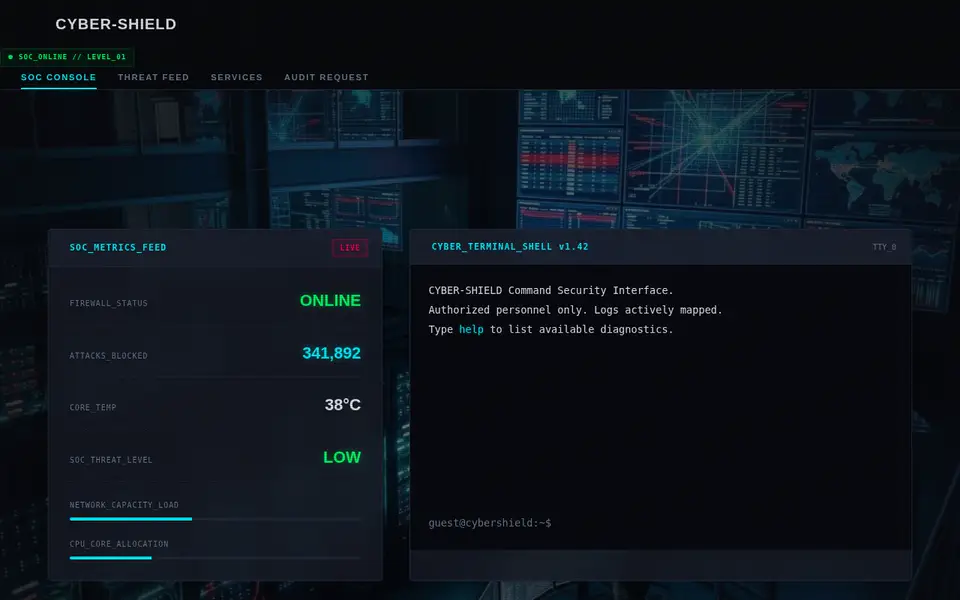
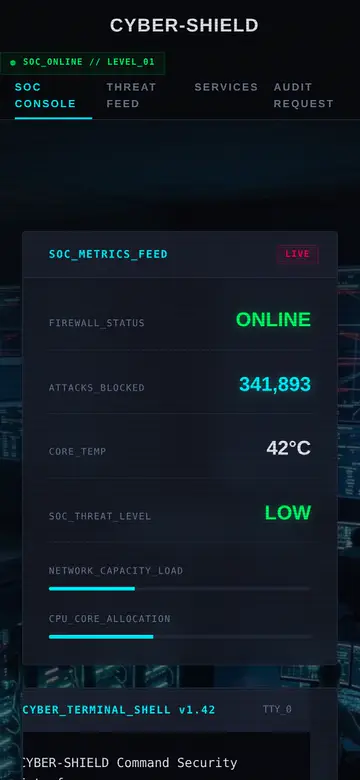
Recorded from the live build, desktop and phone · try it yourself ↗
Why I built it
B2B security buyers are sceptical by trade. A page of stock photos and the word "solutions" does nothing for them. This build argues the opposite way: make the page itself look like the product, and let the visitor poke at it.
The console is the hero
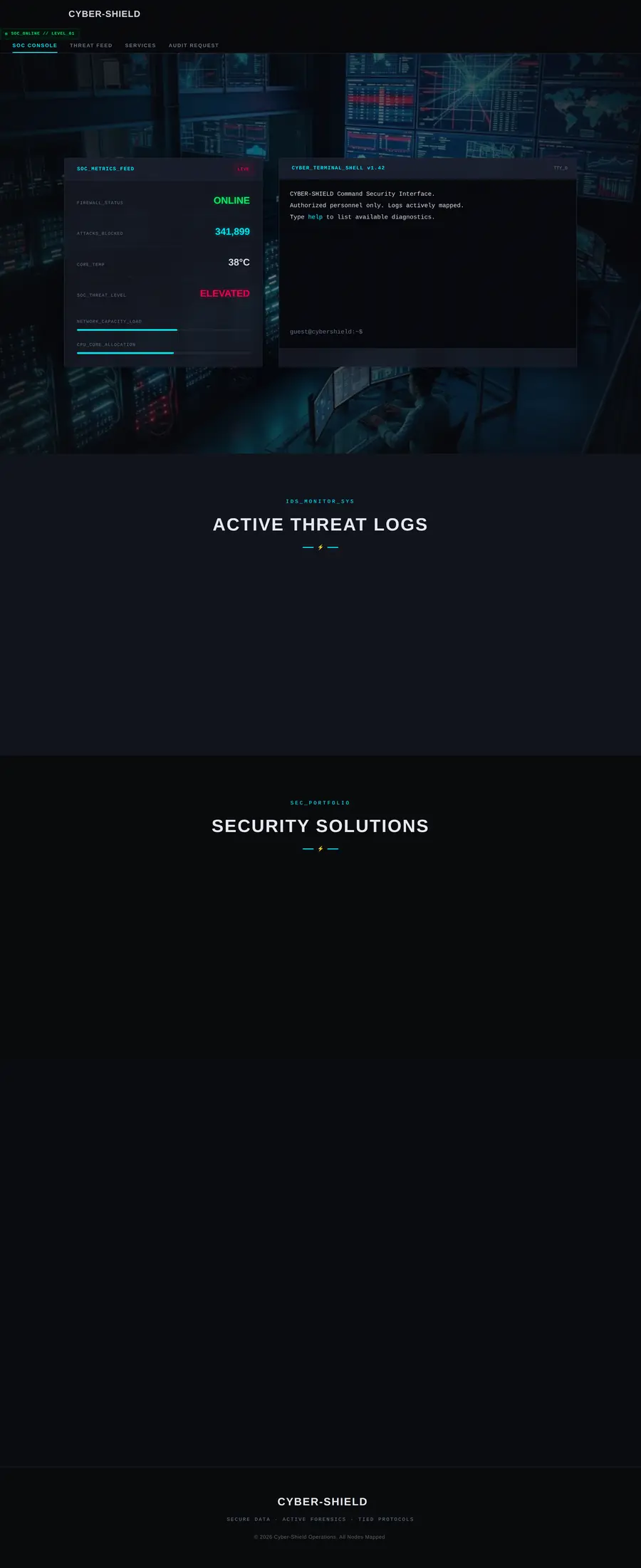
Instead of a headline over a photograph, the first screen is a metrics panel — firewall status, attacks blocked, core temperature, threat level, and load bars for network and CPU.
The numbers move. Every 2.5 seconds the attack counter climbs, the temperature drifts, and the load bars shift within realistic bounds. It reads as a system that is running rather than a screenshot of one.
A threat log that streams
Below the metrics, a log table adds rows on a timer — source IP, alert type, action taken — drawn from a pool of plausible entries. Old rows age out so the table never grows unbounded.
It is theatre, and deliberately so: the point is to communicate "this is what a managed SOC looks like" to a buyer who has never seen one.
An interactive terminal
The right-hand panel is a working command shell. Type help and it lists available diagnostics; the other commands respond in character.
This is the piece that earns the meeting. A visitor who types into it has engaged with the page for thirty seconds instead of three, and that is the entire job of a B2B landing page.
How it looks on a phone
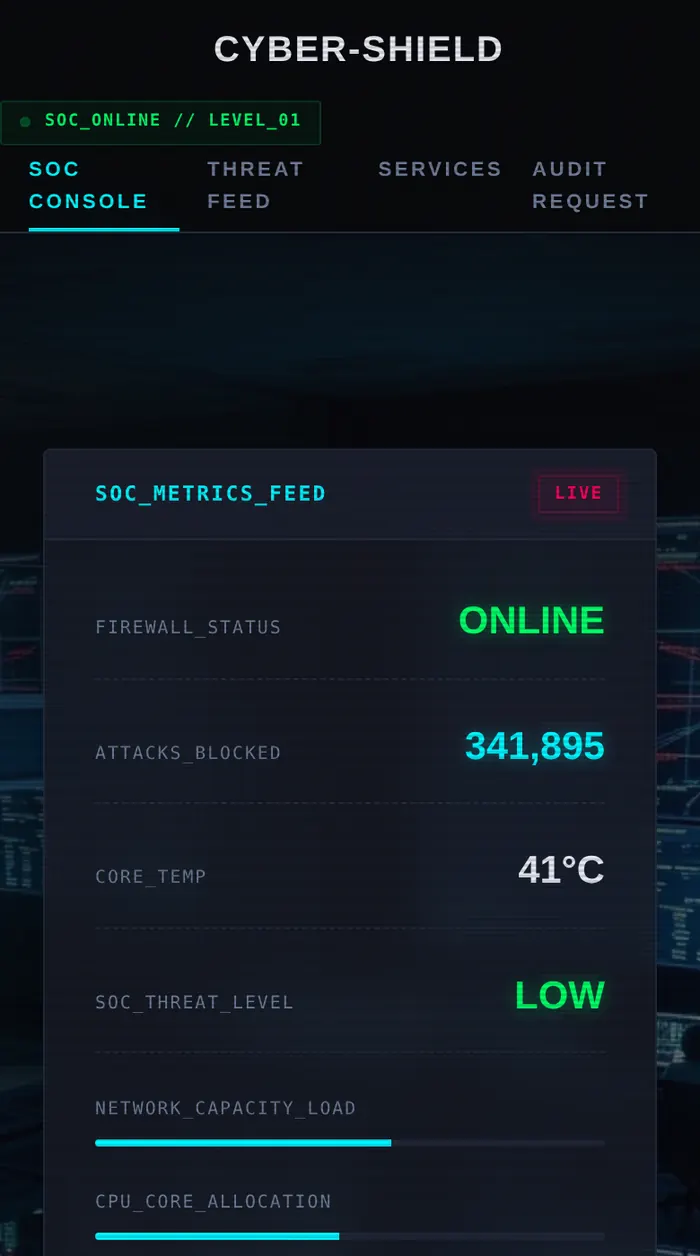
Most of the people who will open a site like this are on a phone, on mobile data, standing up. Every layout here is checked down to 360px.
The backend
The terminal is not a toy any more: scan yourdomain.com runs a real, passive security check against any public website.
What the server does
- Resolves the domain and refuses anything that points at a private or reserved address — so it cannot be aimed back into a network (SSRF protection).
- Fetches the front page once and grades seven security headers: HSTS, CSP, clickjacking protection, MIME sniffing, referrer and permissions policies, COOP.
- Opens a TLS connection to read the certificate: protocol, issuer, days until expiry, and whether it is trusted.
- Flags version numbers leaked in
ServerorX-Powered-Byheaders. - Caches each result for 10 minutes and rate-limits to 6 scans a minute per visitor.
- grade a public site
- console counters + scan feed
// pick an endpoint marked GET/POST above to see the real responseThe decisions behind it
Everything client-side
No backend, no websocket. Timers and random ranges produce the movement, which keeps hosting free and load times near zero.
Monospace as identity
JetBrains Mono, hard cyan on near-black, and a grid that echoes a real console. The type is doing the positioning.
The terminal is the hook
An input the visitor can actually use converts better than any amount of copy about "enterprise-grade protection".
Other builds



Need one of these for real?
Tell me what the business does and who it is for. I will tell you what it costs and how long it takes — no charge for the conversation.